Any keyboard.
Real mechanical sound.
ThiccThocc plays real mechanical keyboards while you type. Recorded in a studio, key by key, press and release. In every app, all day.
Runs on
- Windows
- macOS
- Linux


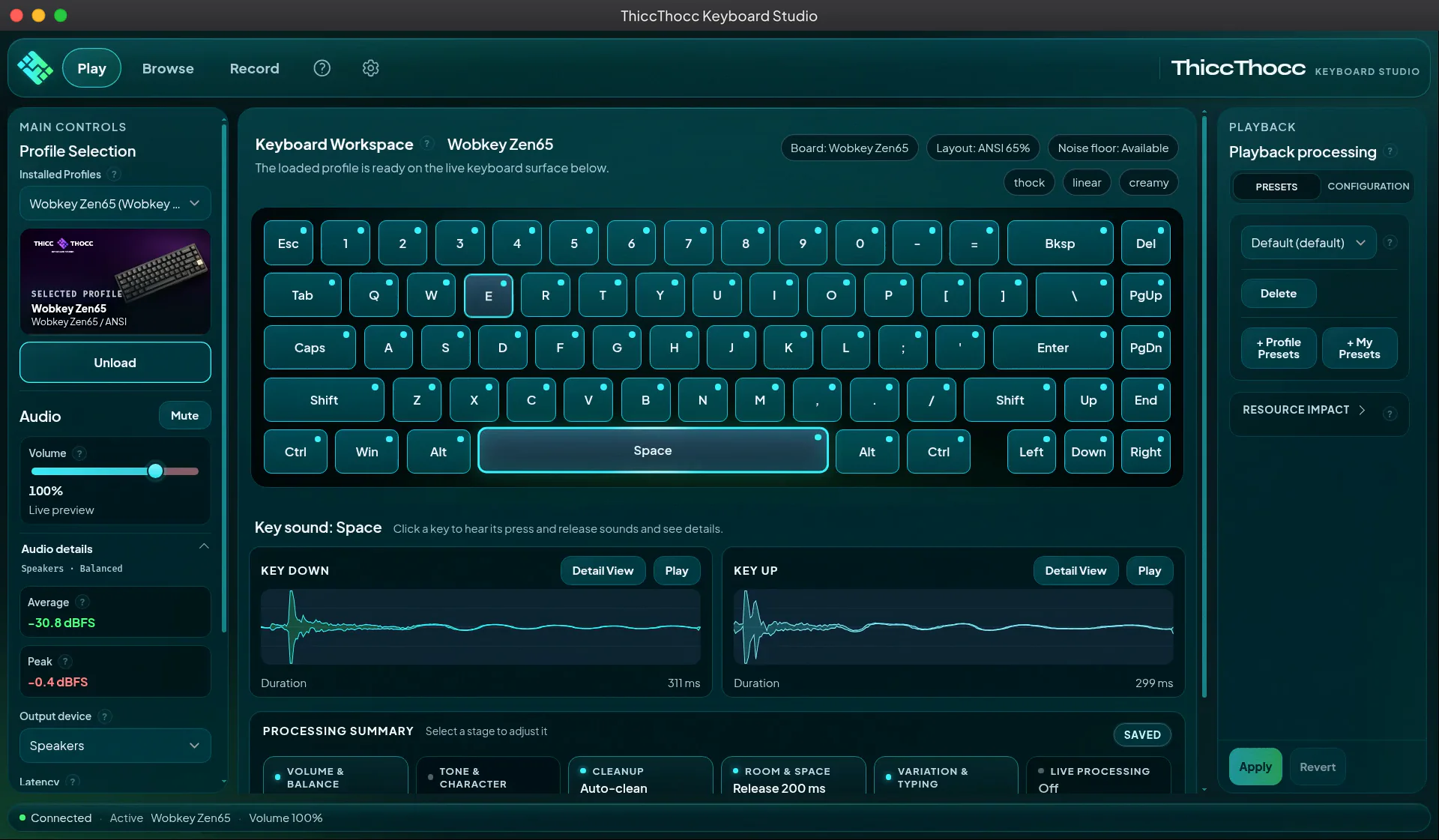
Every key, played live.
The sound of a real board on every press and release, with stereo that follows the key under your finger.
Hear it for yourself.
This is the Wobkey Zen65, the board in the free demo. Type anything. Every key plays a real recording.
Turn on JavaScript to play the board.
Wobkey Zen65 · 65% ANSI · recorded key by key, press and release
Last key none yet press release
Like it? The demo plays it in every app.
Get the free demoFree demo, On Steam · Wobkey Zen65 included (opens in a new tab)Ready to play out of the box
Three studio-recorded keyboards at launch, captured key by key. More are on the way. Community boards come from the Workshop.
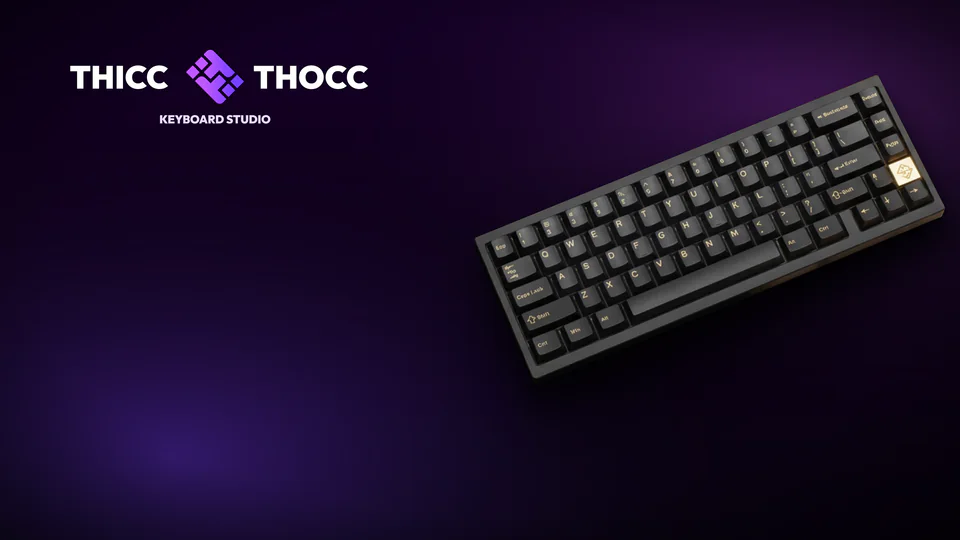
Wobkey Zen65
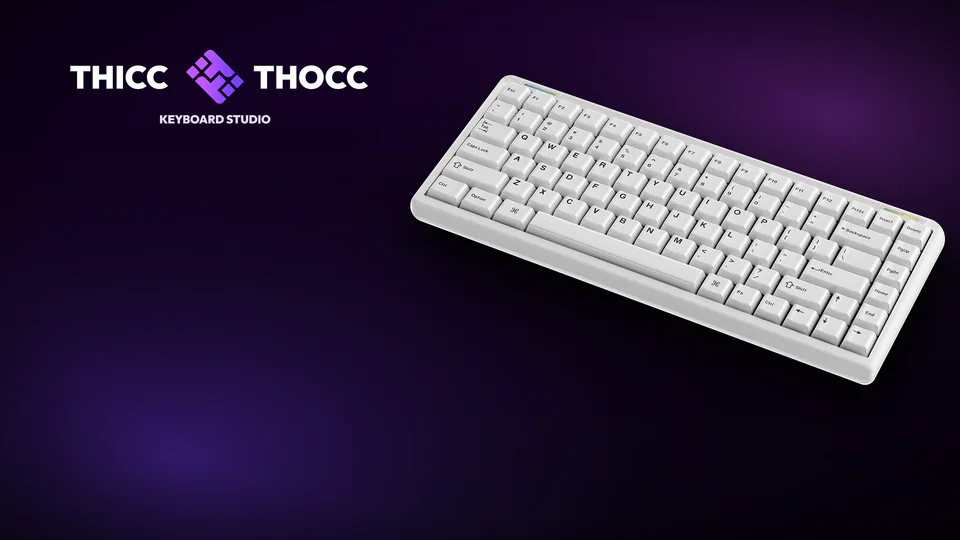
Cerakey Zen75
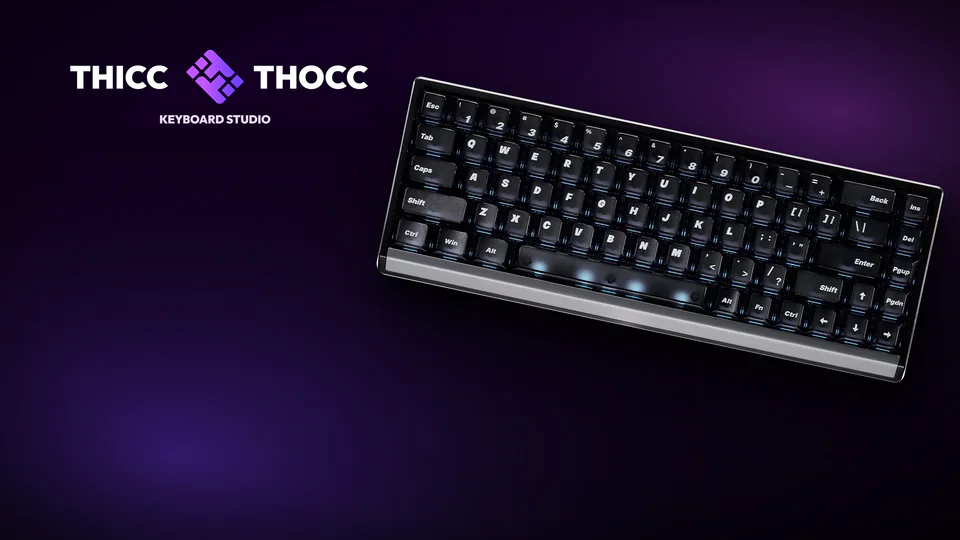
ATK 68 RX
Any layout: compact recordings remap to full-size boards, so no key goes silent.
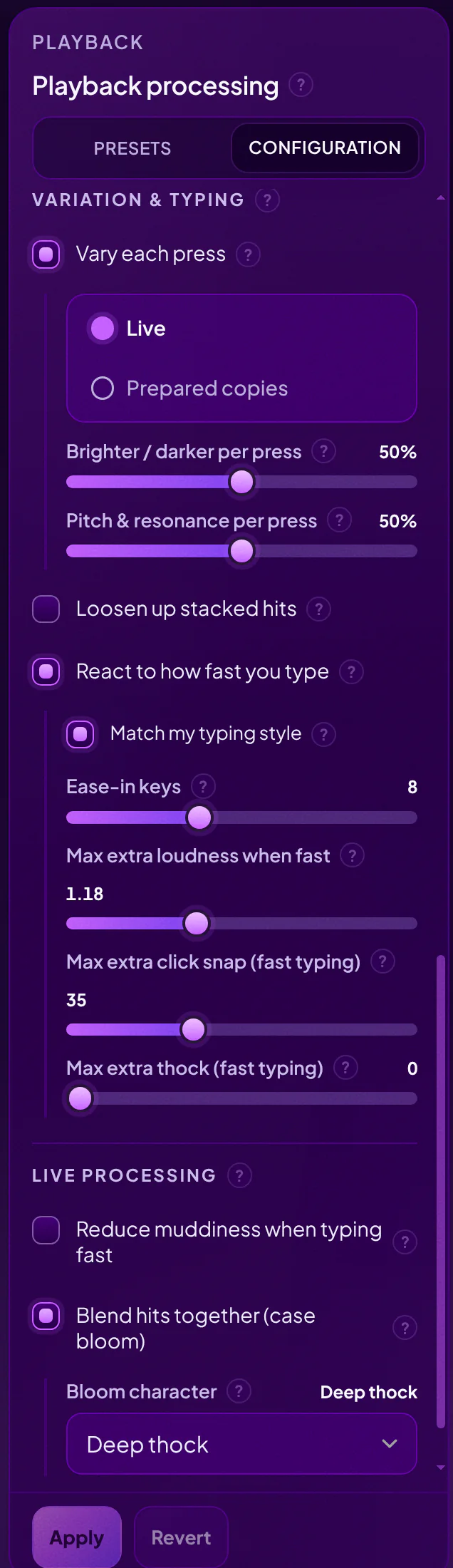
Shape the sound
An audio engine built for keyboard sound sits between your keys and your ears.
- Presets
- One click to a new character.
- Reverb spaces
- Room ambience, from a desk to an open space.
- Case resonance
- A shared case bloom, so fast typing flows together.
- Stereo placement
- Follows the position of each key.
- Typing Dynamics
- Responds to how fast you type.
- Repeat variation
- Keeps fast typing from tiring your ears.
Want to go deeper? Every stage of the chain is yours to tweak.

Your sound,
everywhere you type.
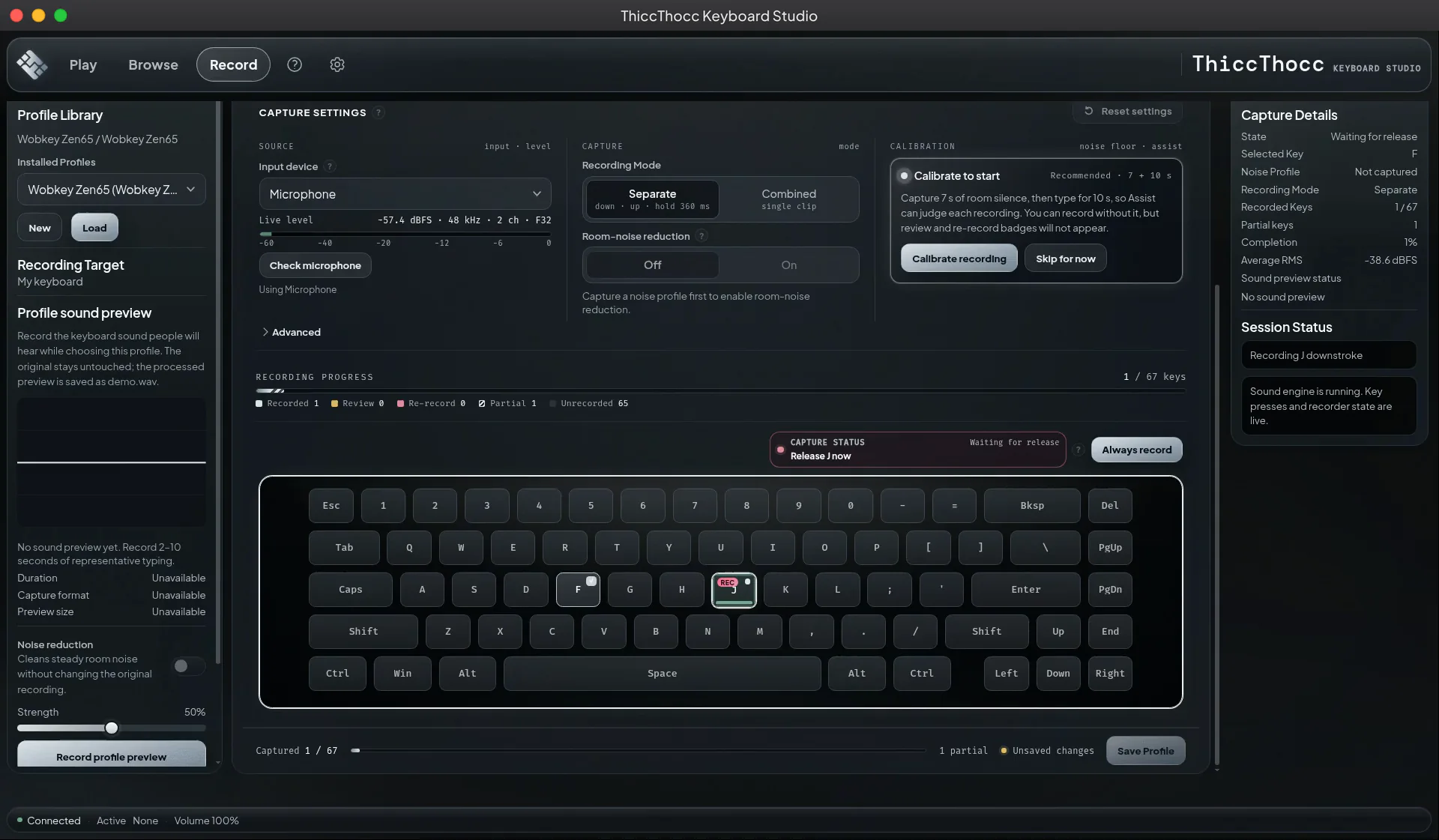
Record your own keyboard
The built-in Keyboard Studio captures your board key by key, press and release, then plays it back.
Calibration assistance
Record your room's noise so Assist can judge your setup.
Background-noise detection
Spots steady room noise like a fan or hum before you record.
Per-key quality review
Every key is checked, with flags to review or re-record.
Import your own WAV files
Bring your press and release recordings as WAV files.
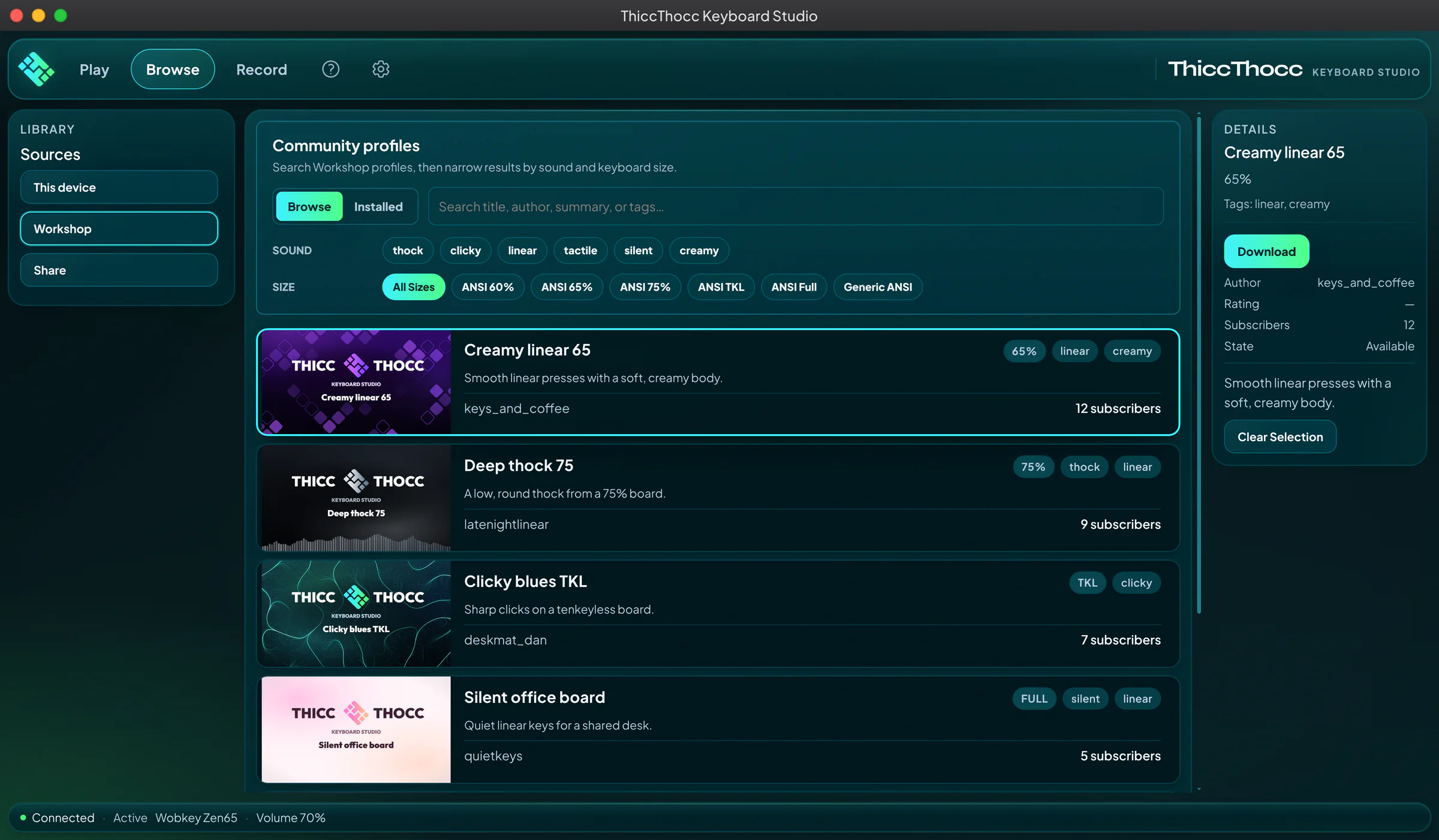
Find new sounds on the Workshop
Browse community keyboards, filter by sound and keyboard size, install in one click.
Goes quiet while you game
Auto-pause mutes ThiccThocc while the programs you pick are running, and brings it back when they close.
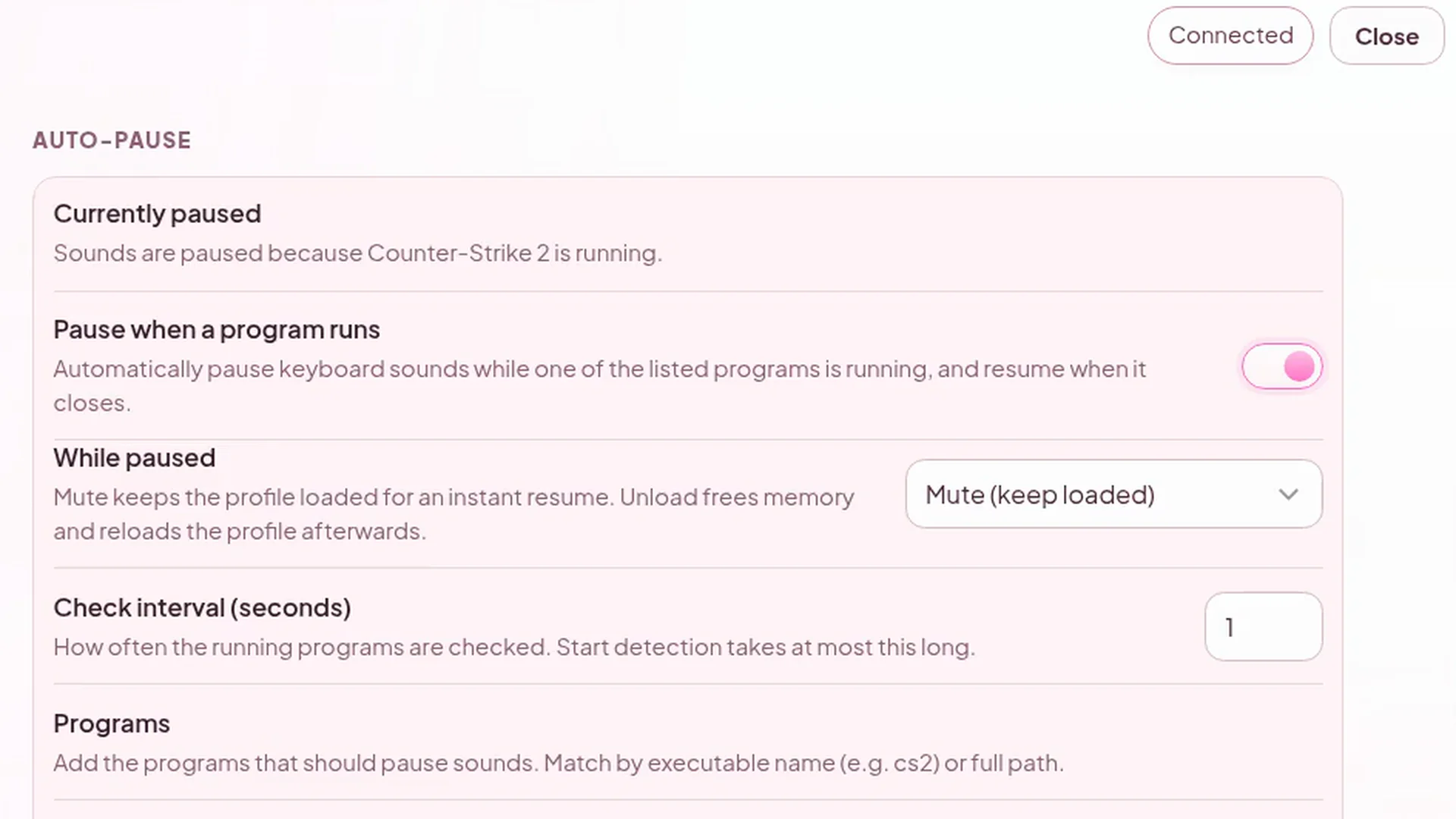
Sound on: hear the typing stop once the game starts.
Streamer Mode
Each character key plays a decoy sound, so nobody can reconstruct your typing by ear.
Timed mute
Mute for 30 seconds, 2 or 5 minutes from the tray.
Make it yours
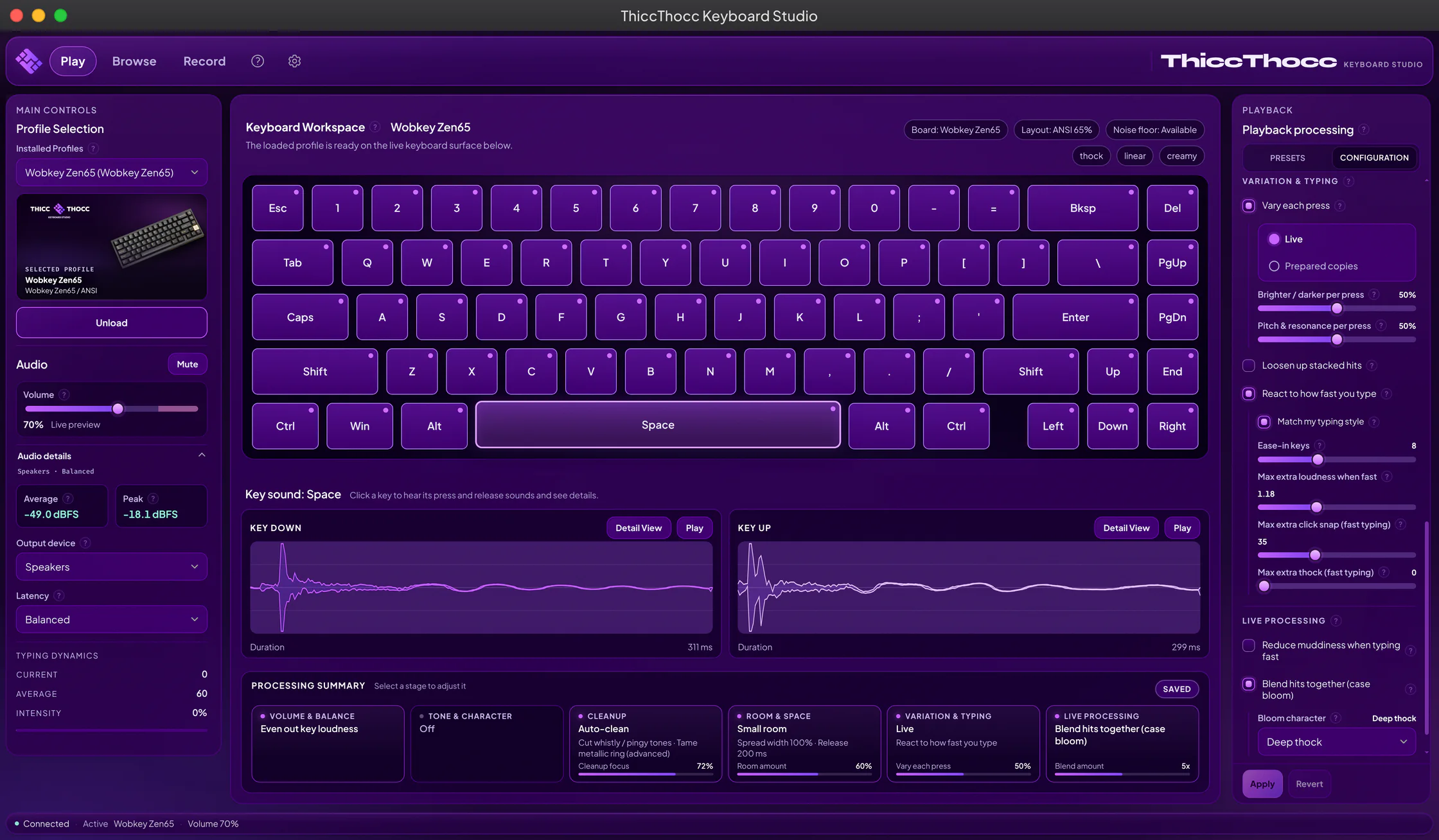
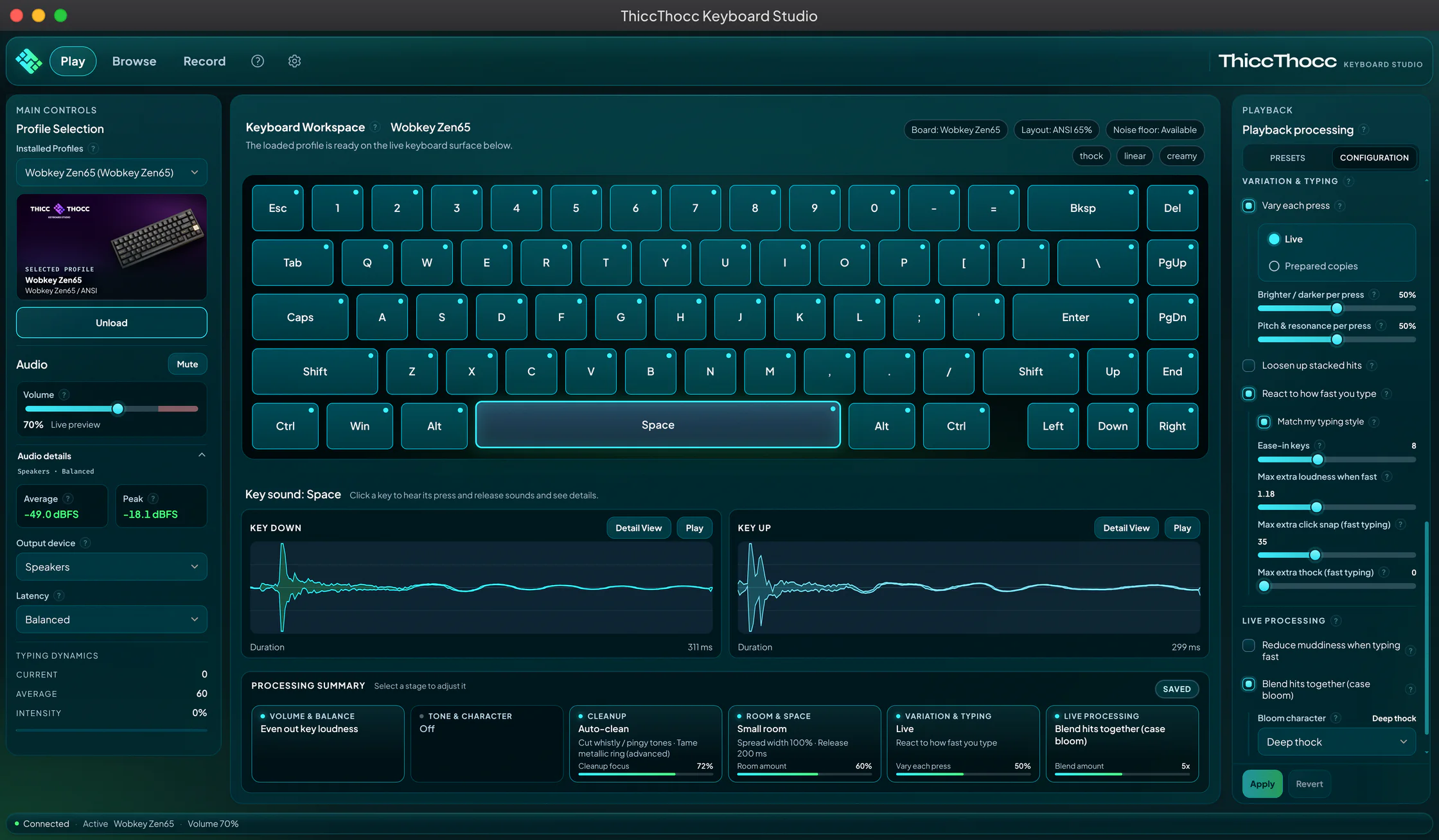
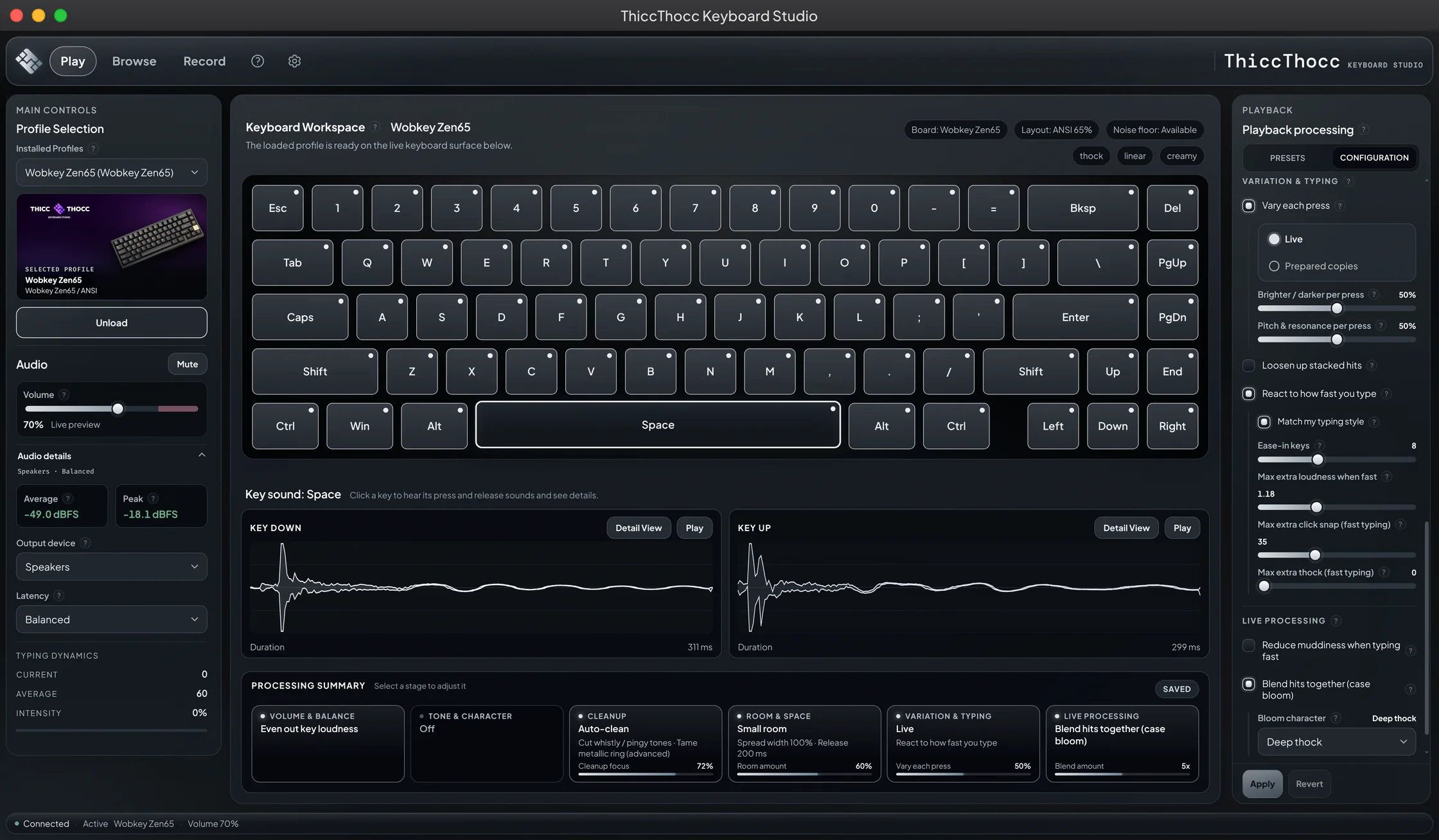
Seven themes, light and dark. Pick one on first launch, switch any time.
Dark themes
Light themes
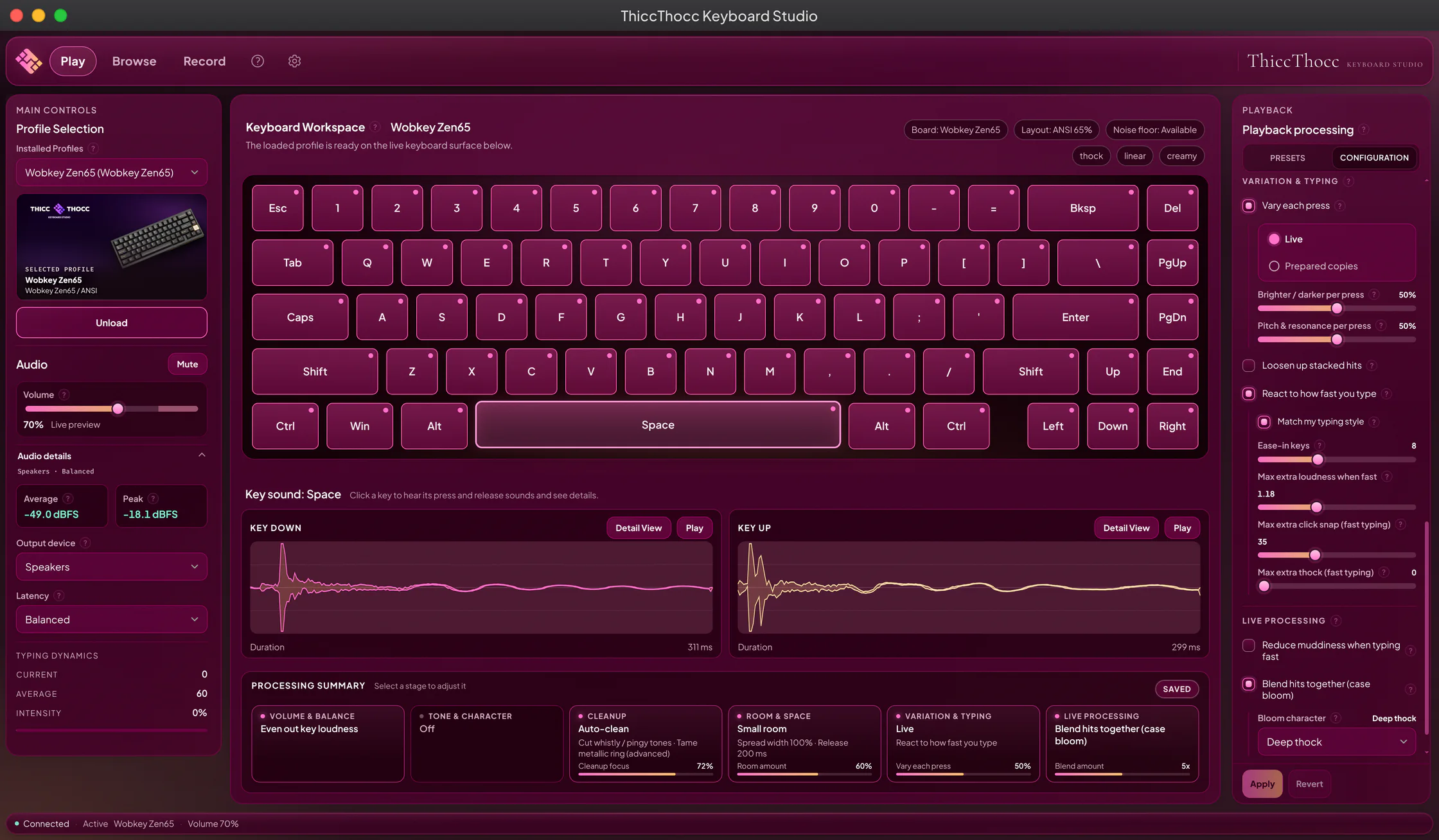
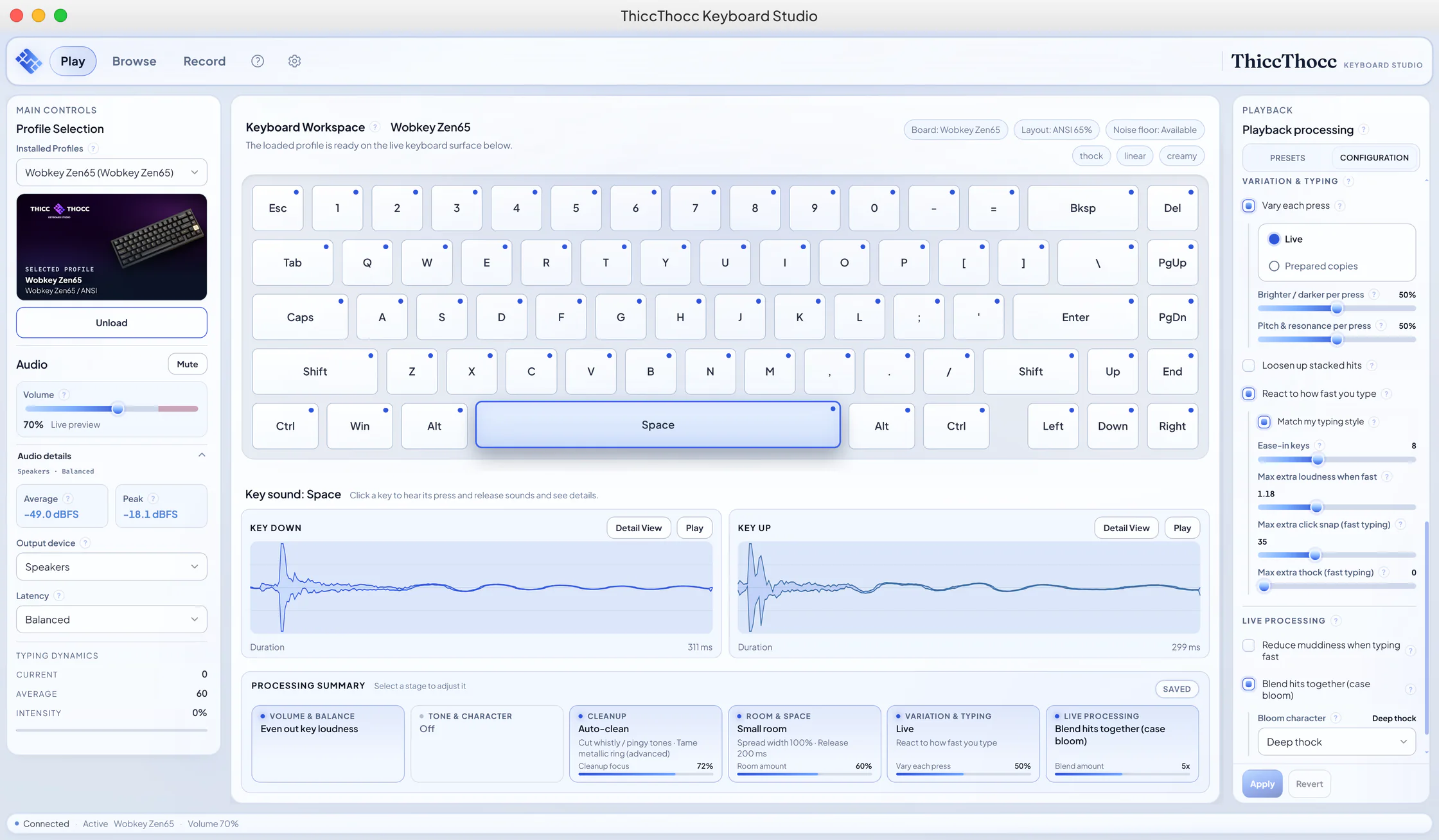
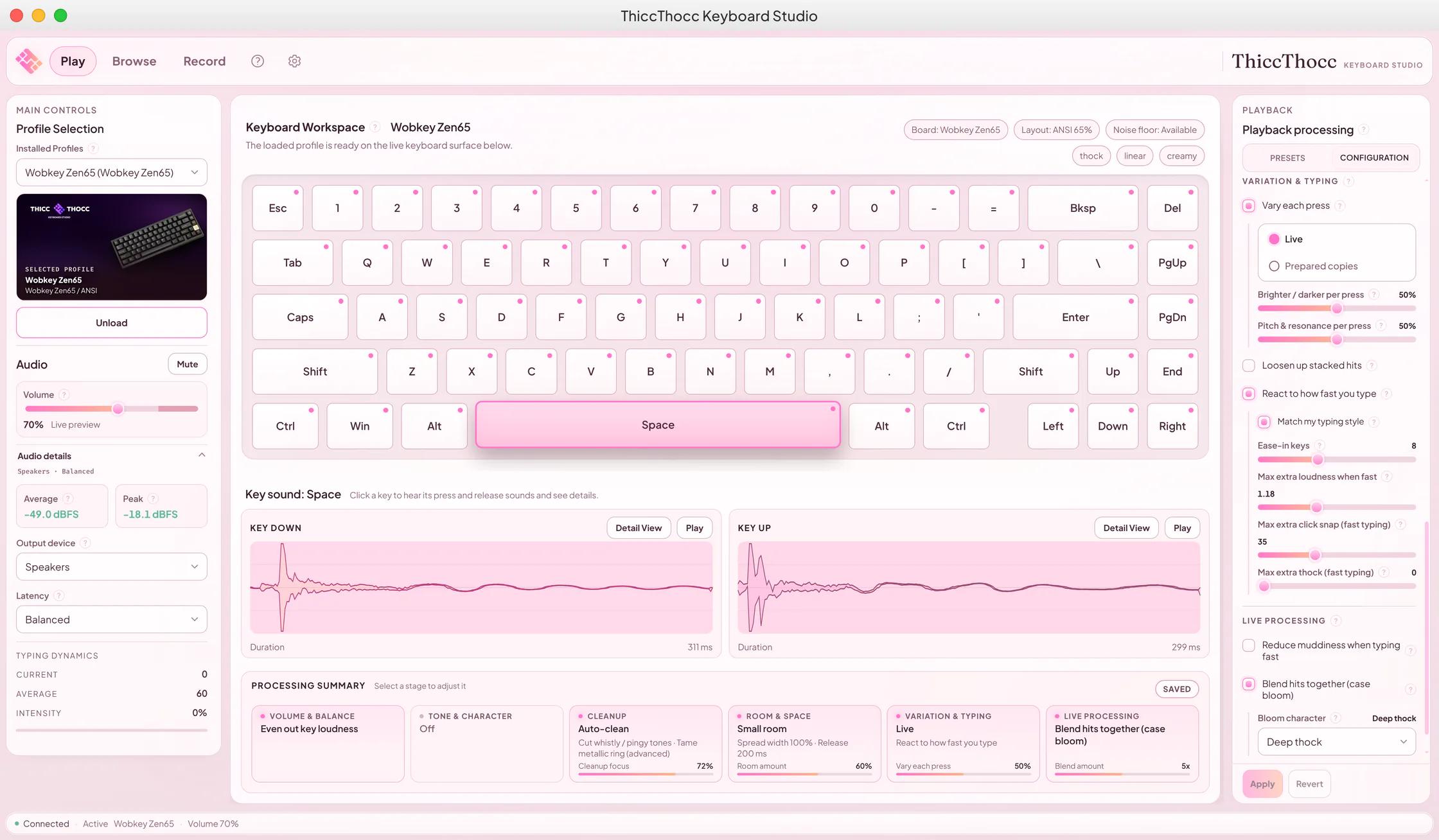
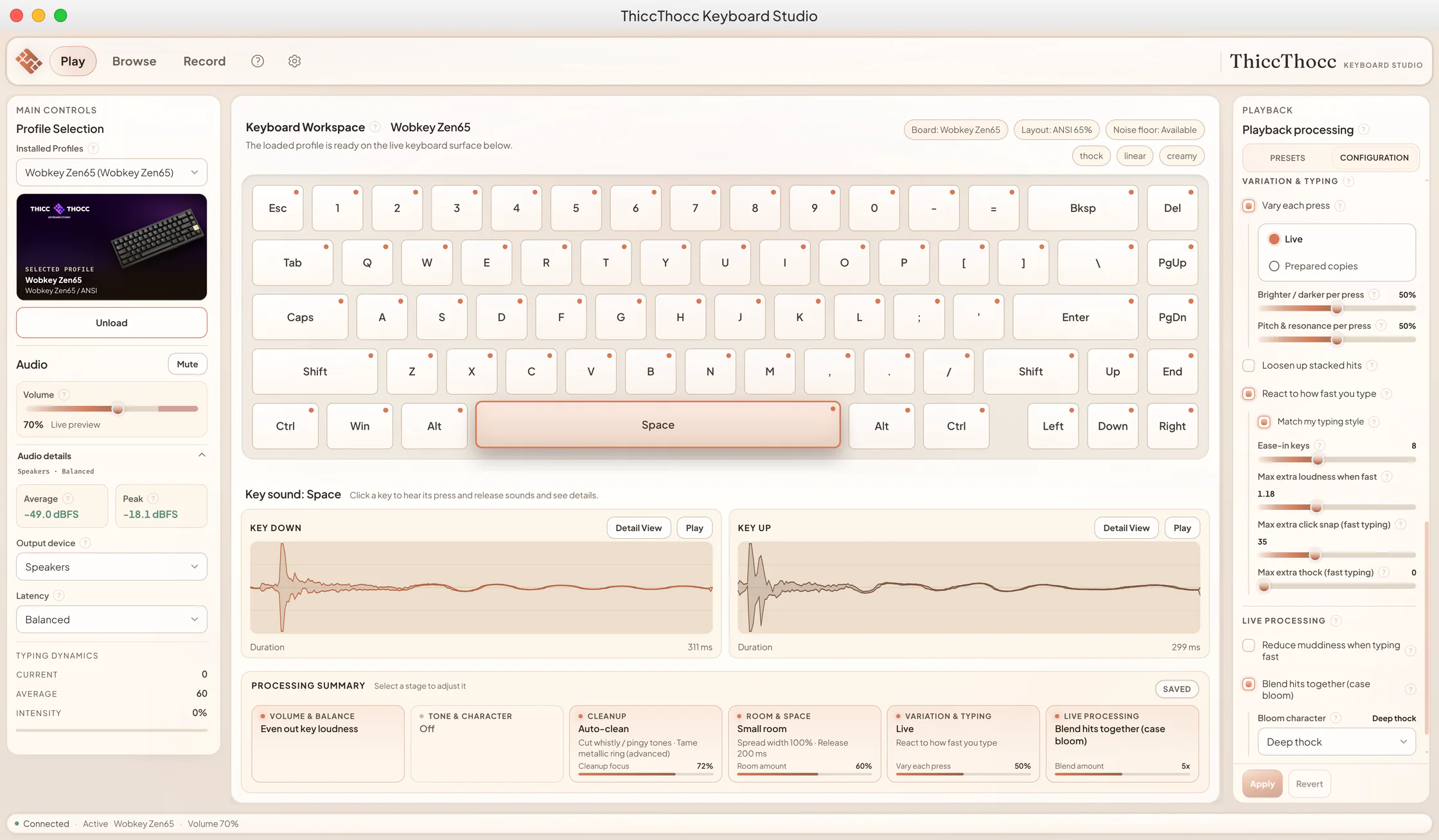
Runs on Windows, macOS and Linux
Apple Silicon Macs. Linux on X11 and Wayland, SteamOS included.
- Windows, PC
- macOS, Apple Silicon
- Linux, X11, Wayland, SteamOS
- Light enough to run all day
- Low CPU and memory use, with a built-in benchmark.
- Private by design
- No accounts, no telemetry, no servers of ours. Profiles and presets sync only through Steam Cloud, when it is on for your account; the Workshop gets only what you publish.
- Steam Cloud
- Your profiles and presets follow you from machine to machine.Full version
- Twelve languages
- The interface is available in twelve languages.
One minute. Sound on.
The Steam trailer, with the app's real sound.
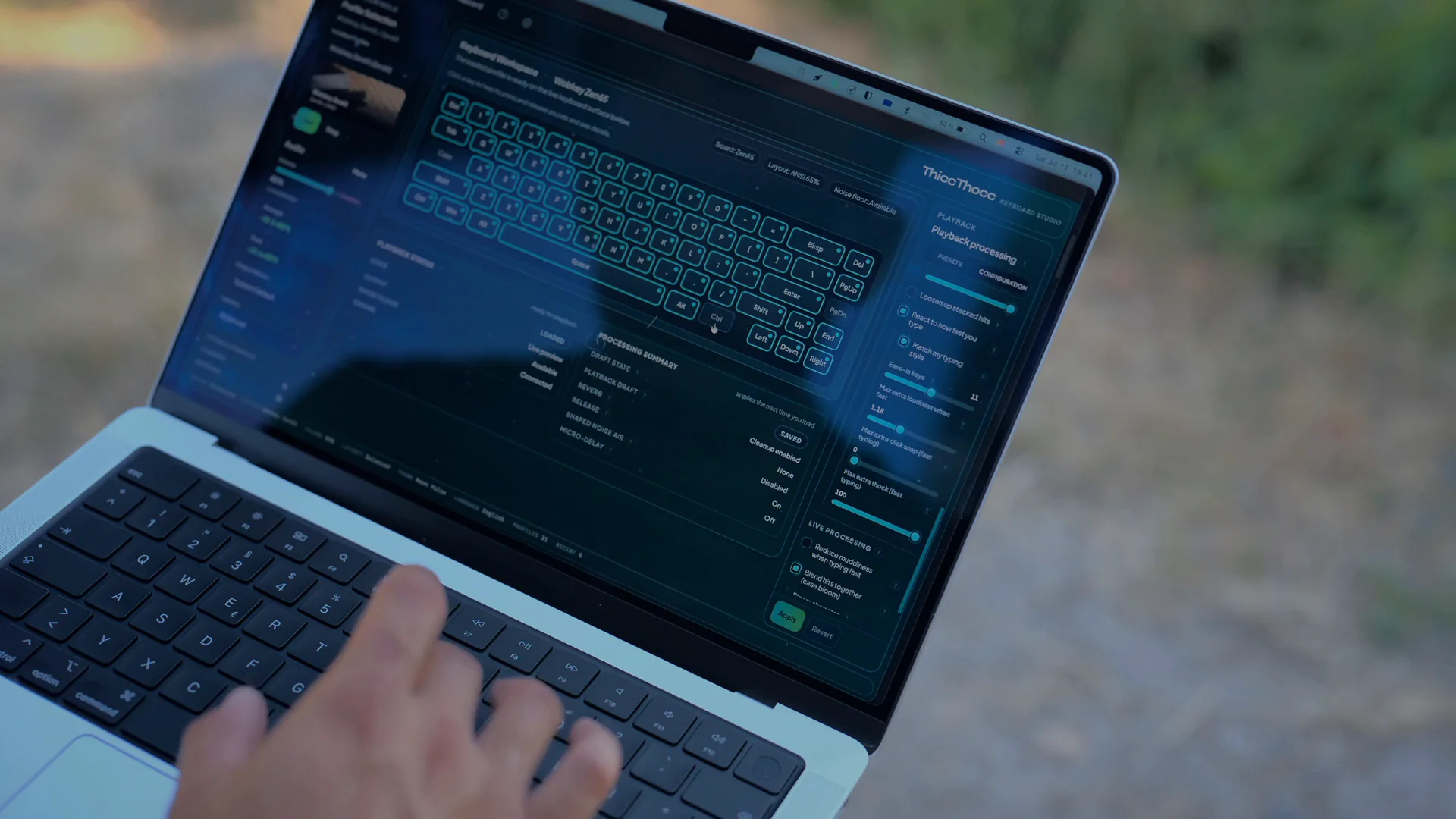
The trailer could not be loaded. Try again, or watch it on Steam.Open the Steam page
Before you download
Short answers about the demo, your setup and your privacy.
What does the free demo include?
The full player with every sound setting, and one profile: the Wobkey Zen65. Recording, the Workshop, Steam Cloud, saved presets and the other profiles come with the full version.
Does it work in every app?
Yes. ThiccThocc runs system-wide: your editor, your browser, your game. Close the window and the tray keeps profiles, quick mute and controls one click away.
What about games and calls?
Auto-pause mutes ThiccThocc while a program you pick is running, so your match or your call stays clean, and brings the sound back when it closes. From the tray you can also mute for 30 seconds, 2 or 5 minutes.
Is my typing private?
ThiccThocc has no accounts, no telemetry and no servers of ours. Your profiles and presets sync only through Steam Cloud, when it is on for your account, and draft recordings stay local. The Workshop gets only what you publish. Streaming? Streamer Mode makes each character key play a decoy sound, so no one can reconstruct what you type by ear.
My keyboard isn't a 65%. Does it still work?
Yes. Profiles adapt to any layout, compact through full-size: a 65% recording remaps automatically to your board, and no keypress goes silent.
Which systems does it run on?
Windows, macOS (Apple Silicon only) and Linux on X11 and Wayland, SteamOS included.
Will it slow down my PC?
No. It uses little CPU and memory, even on lower-end hardware or next to your games. The built-in benchmark lets you check for yourself.
Can I use my own keyboard's sound?
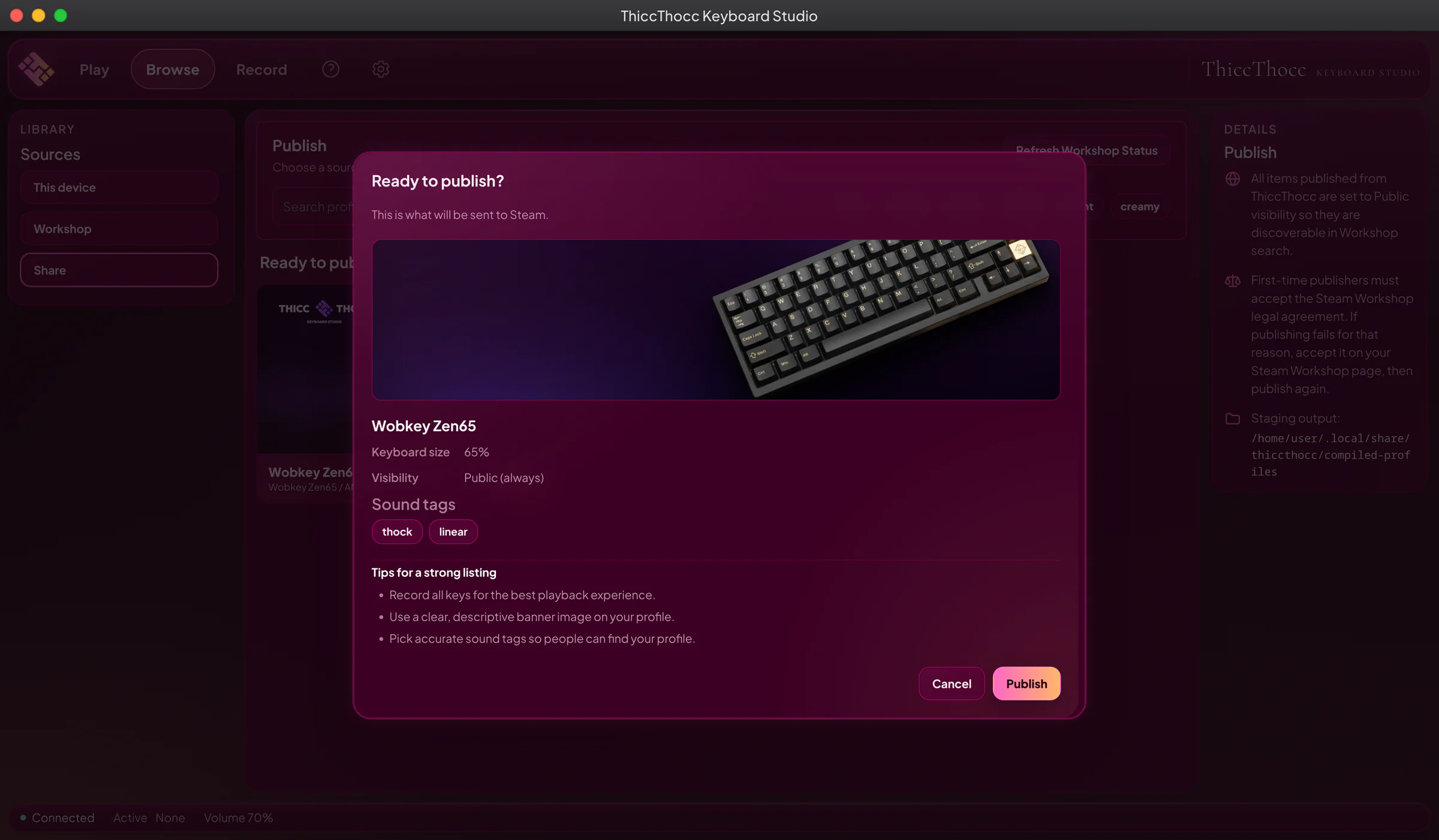
Yes, in the full version. The built-in Keyboard Studio captures your board key by key, with calibration assistance, background-noise detection and per-key quality review, or you can import your own WAV files. Publish the result on the Steam Workshop, and install community keyboards from it in one click.
THICCTHOCC
Keyboard Studio